Wallytics
49 sources, 49 themes, one wallpaper

Turn your wallpaper into a live dashboard

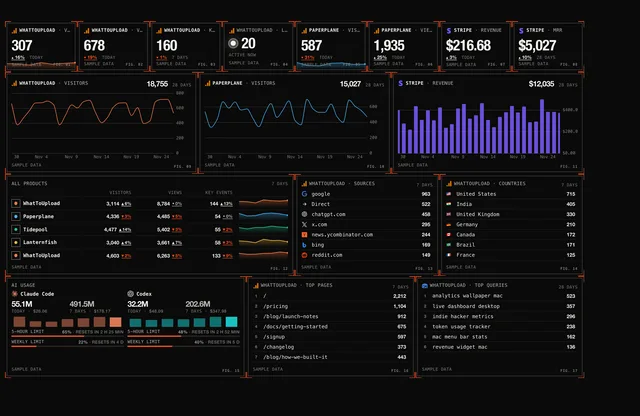
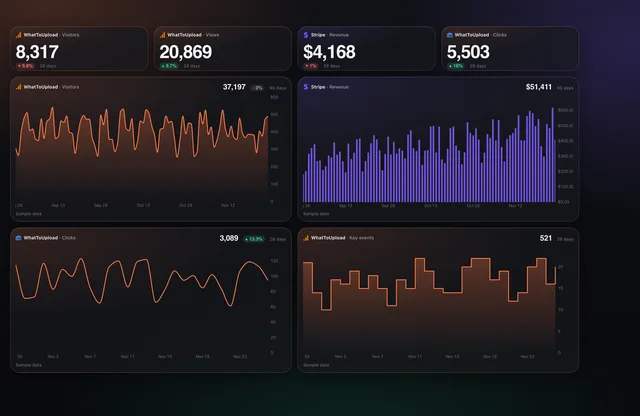
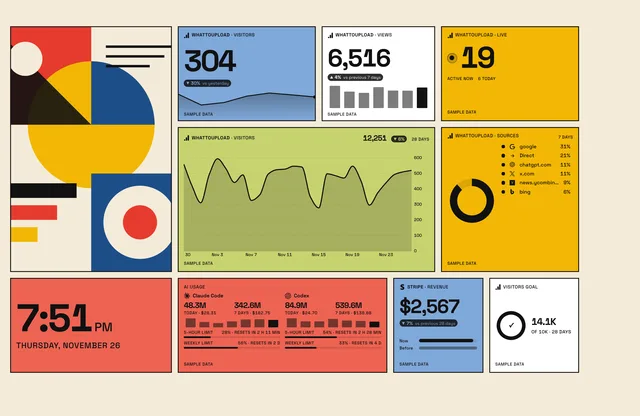
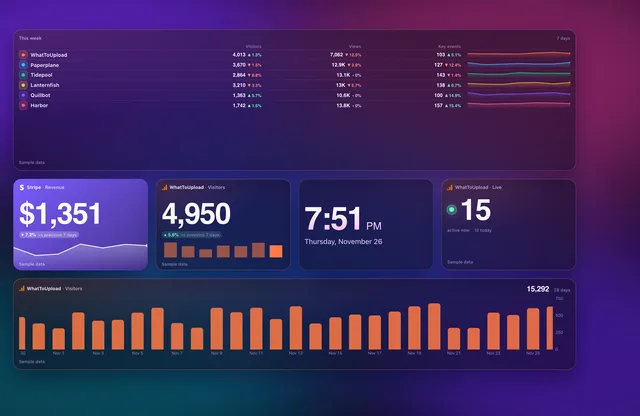
Wallytics is a Mac app that puts your website traffic, revenue and AI token usage on your desktop, behind your icons. You stop opening five dashboards to answer one question.

Free for 7 days, then from $4.99 once·No card, no account·macOS 13 or later

A 36 second tour, made from the app itself on its built-in sample data. Menu bar drawn for scale.

What it is

A wallpaper that reports to you

A native Mac app. Your desktop picture becomes a dashboard that keeps itself up to date and sits behind your icons and windows, on every display you choose.

What it shows

The numbers you check every day

  • Visitors
  • Sign-ups
  • Revenue
  • MRR
  • Search clicks
  • Live users
  • AI tokens
  • Estimated cost

Read from 49 sources, straight from your Mac. Wallytics only ever reads.

What it costsBlack Friday offer

List price $9.99$4.99once

Free for 7 days with every feature. Then one price for one Mac, 50% off at checkout.

  • No subscription
  • No account
  • No card for the trial
See the three plans
Why a wallpaper

Five dashboards, five logins, one question

"How are we doing today?" should not take five tabs and a two-factor code. Your wallpaper is the one screen you see every time you close a window.

Checking your numbers the old way

  • Google AnalyticsTraffic
  • Search ConsoleSearch clicks
  • StripeRevenue
  • YouTube StudioViews
  • SentryErrors

With Wallytics: look at your desktop

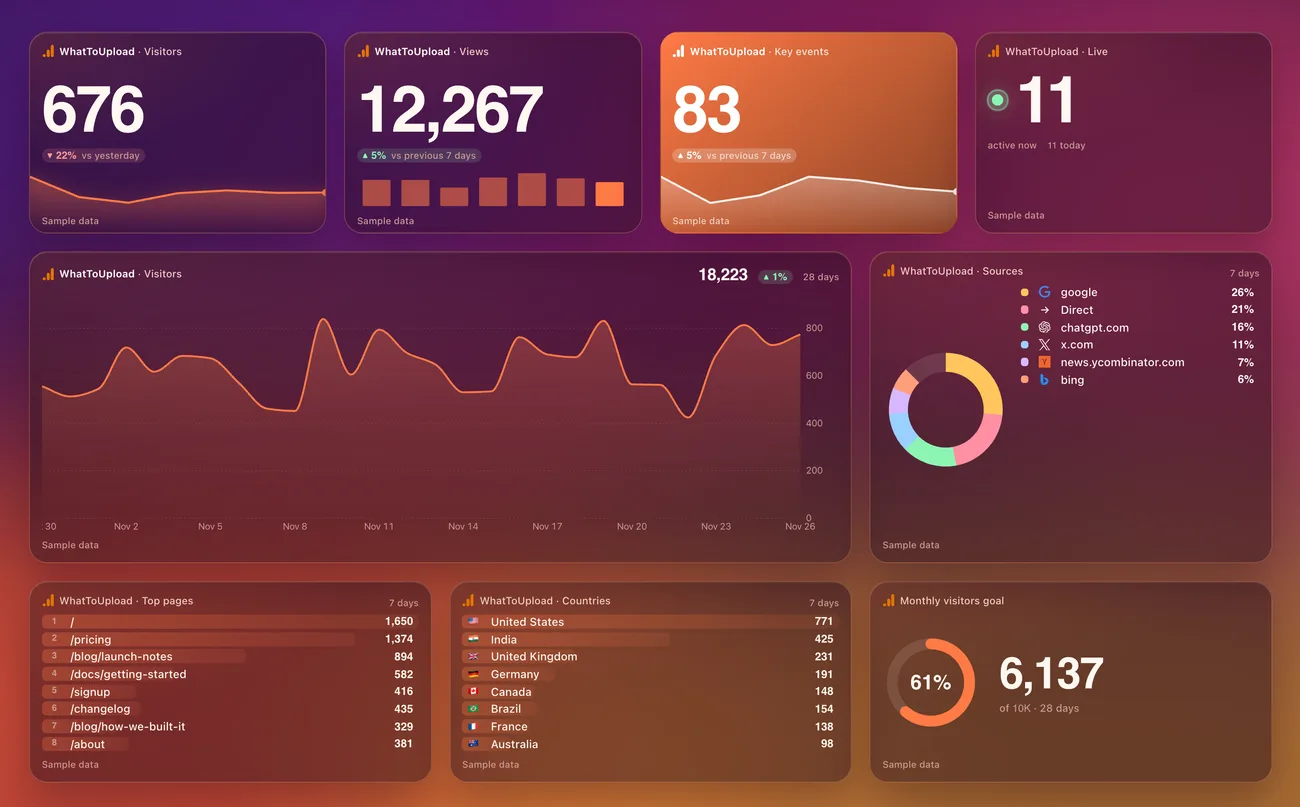
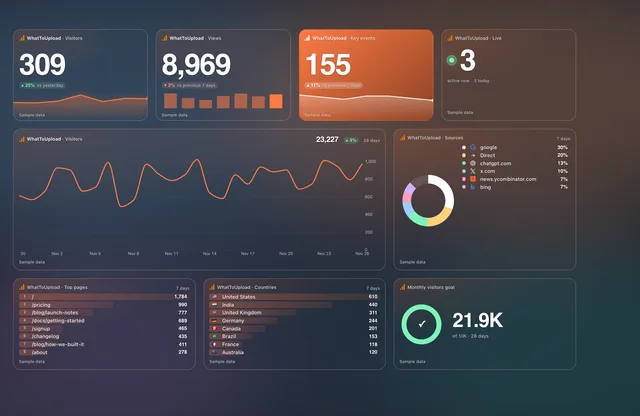
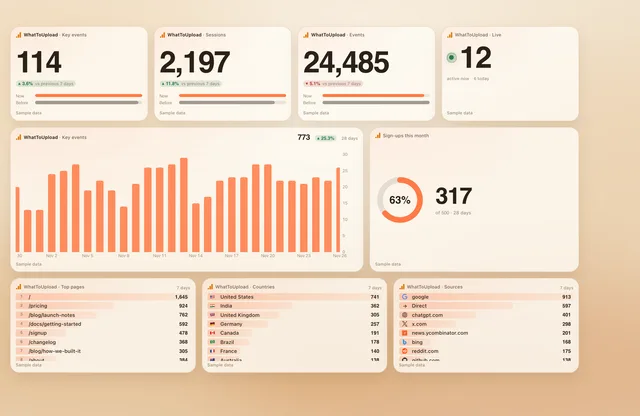
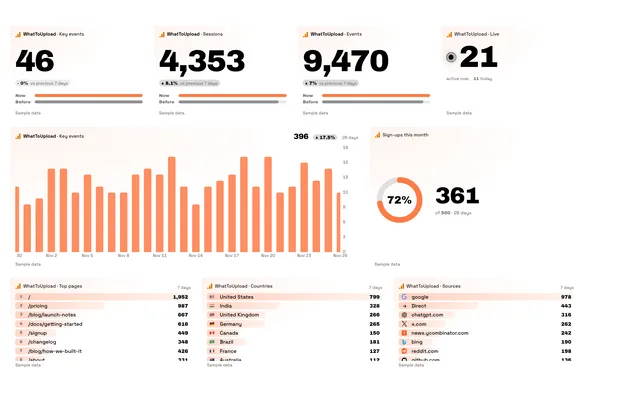
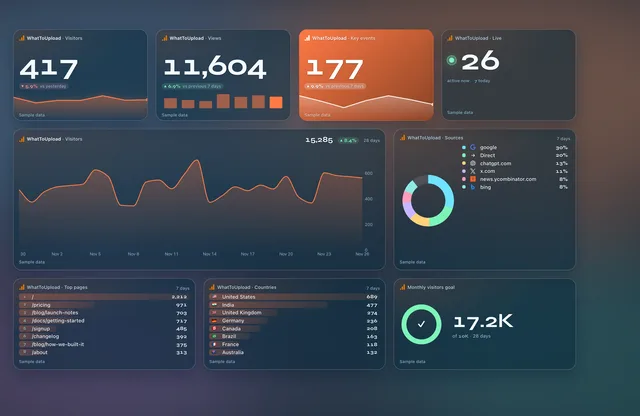
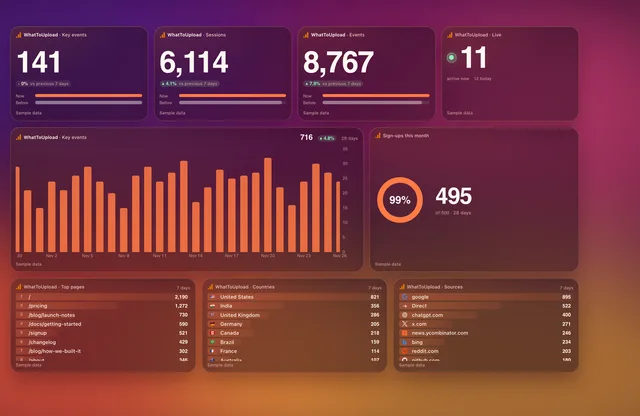
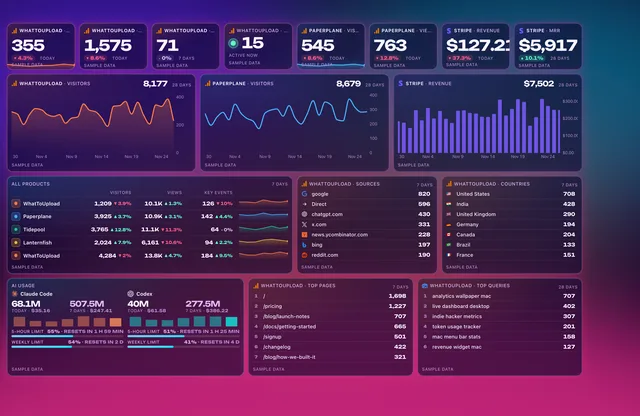
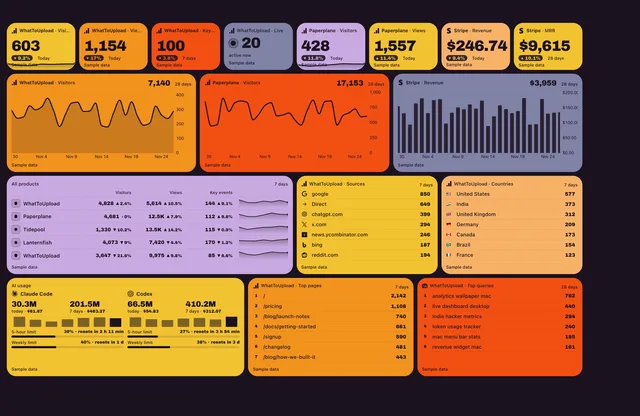
One wallpaper in the Sunset theme showing a product's visitors, views, key events and live count, a traffic chart, sources, top pages, countries and a visitors goal.
How it works

Set up in three steps

  1. Connect a source

    Sign in with Google or paste a key. Claude Code and Codex need no login at all.
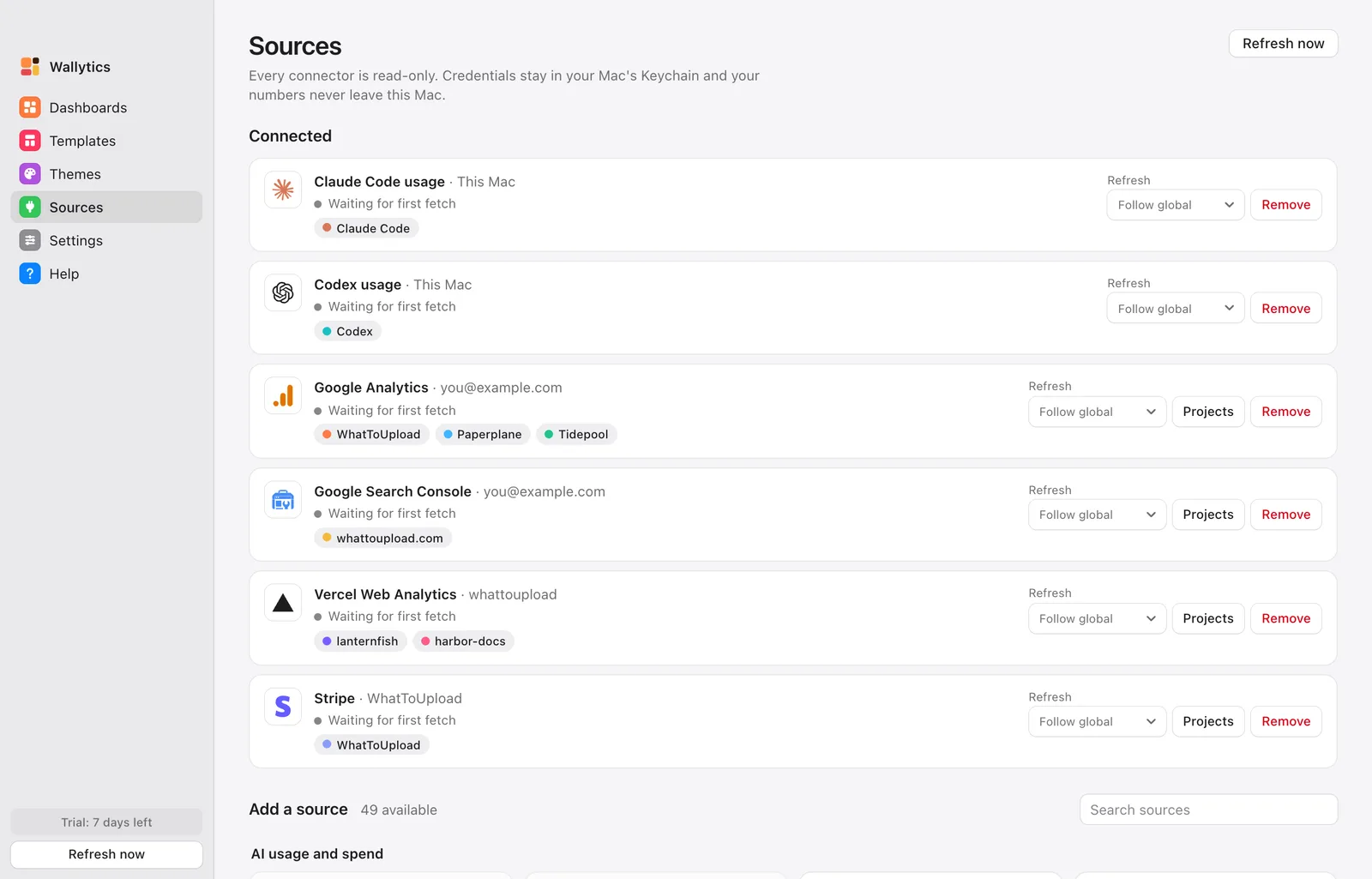
    The Sources page of the Wallytics window, listing connected sources and the sources you can add.
  2. Pick a template

    14 ready layouts, filterable by Founders, Product, Dense, Charts, Minimal, Art and AI. Assign your projects to its spots.
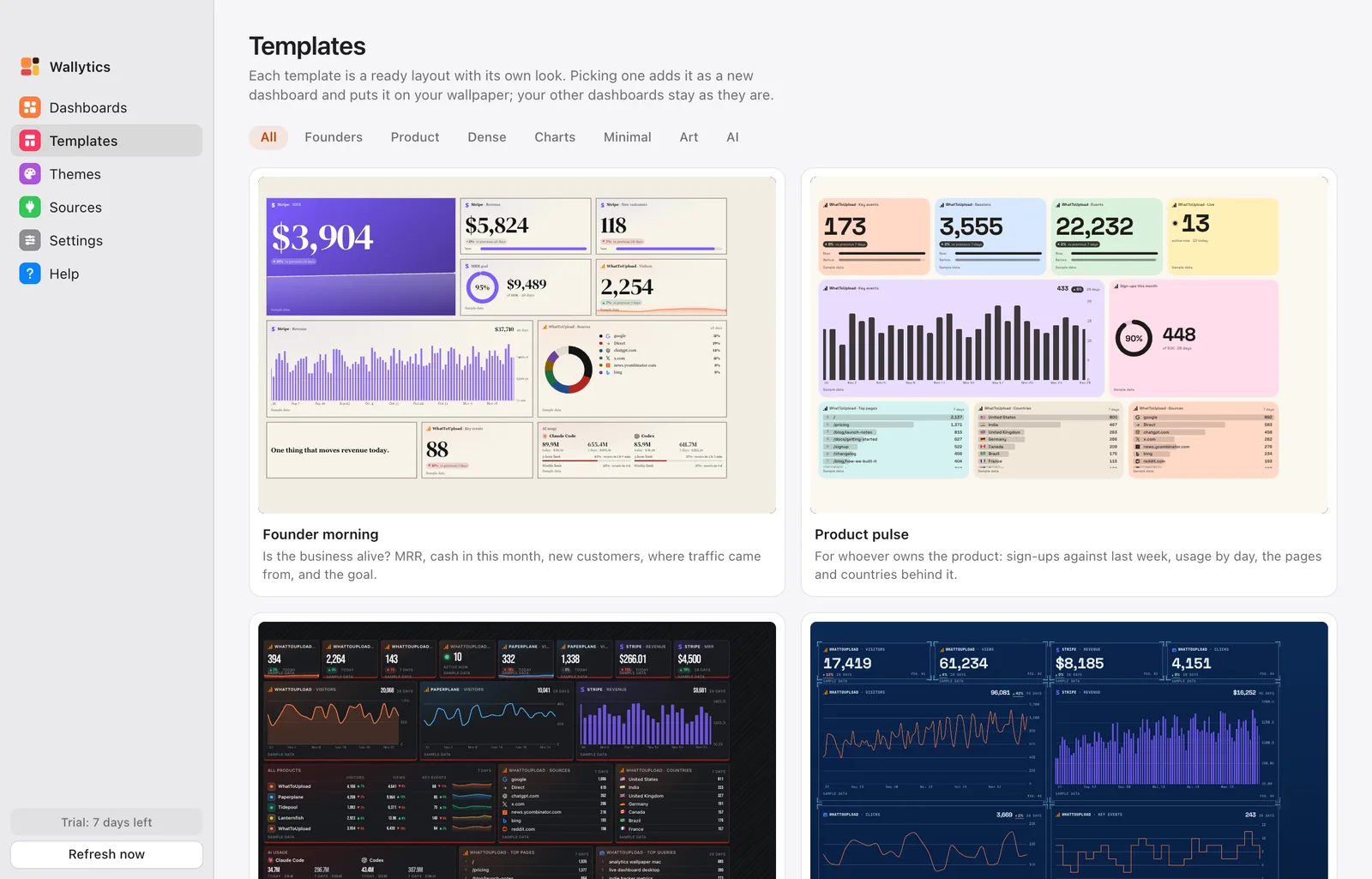
    The Templates page of the Wallytics window, with filters for Founders, Product, Dense, Charts, Minimal, Art and AI, and the Founder morning and Product pulse templates.
  3. Close the window

    The dashboard sits behind your desktop icons and keeps itself fresh. One headline number lives in the menu bar.
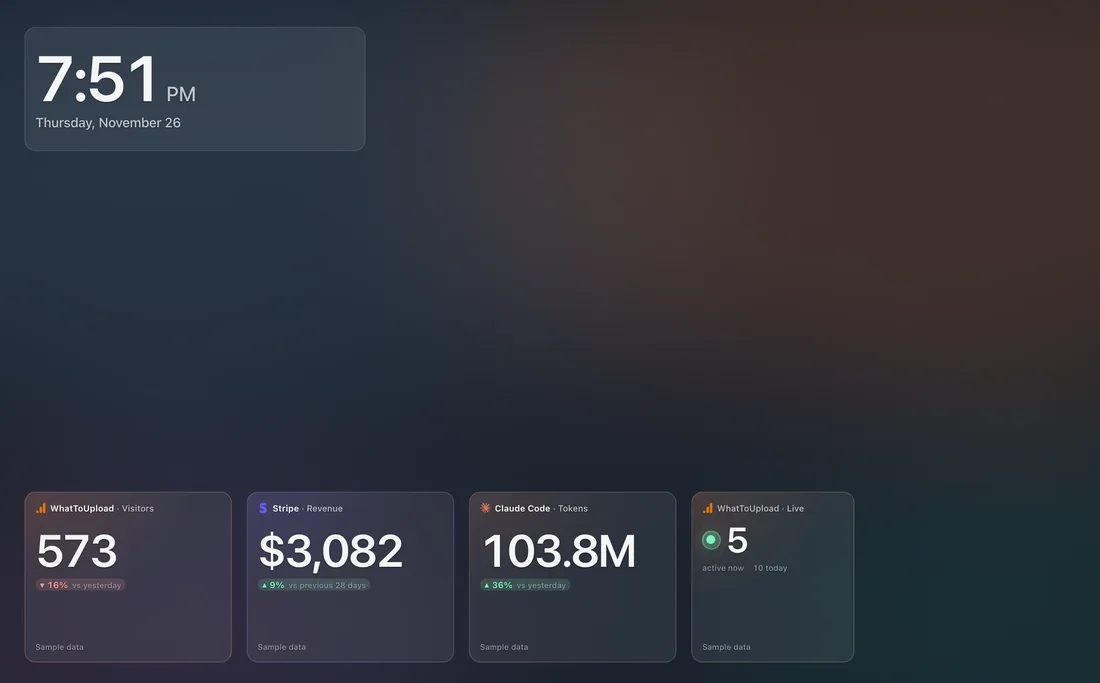
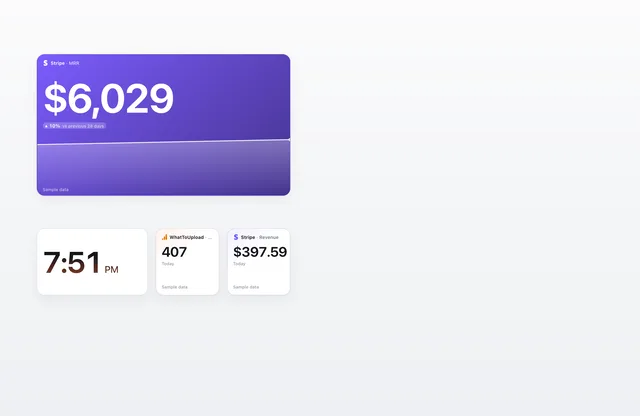
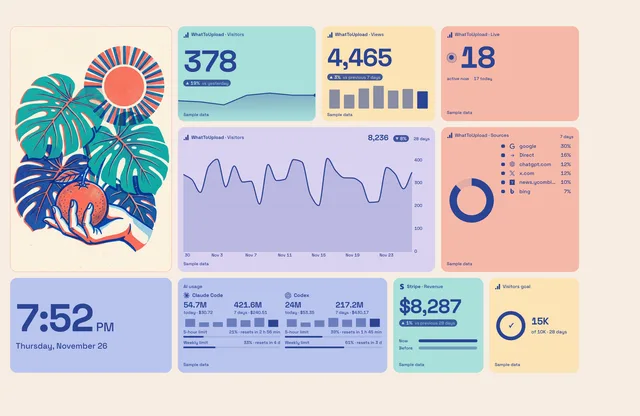
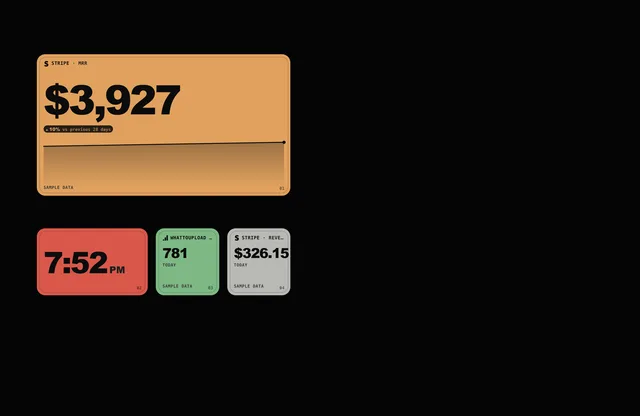
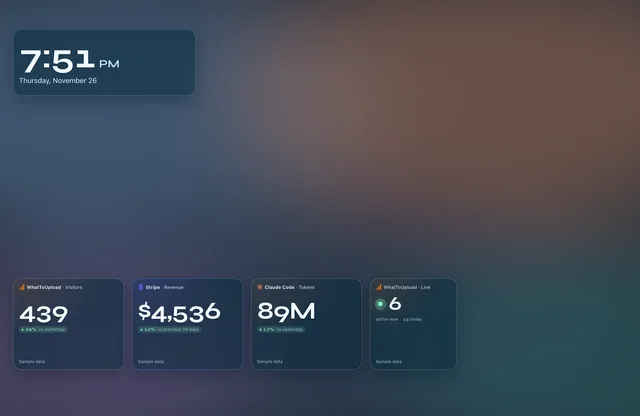
    A Minimal dashboard in the Smoke theme: a clock and four numbers over a wallpaper.
Themes

Your numbers, 49 looks

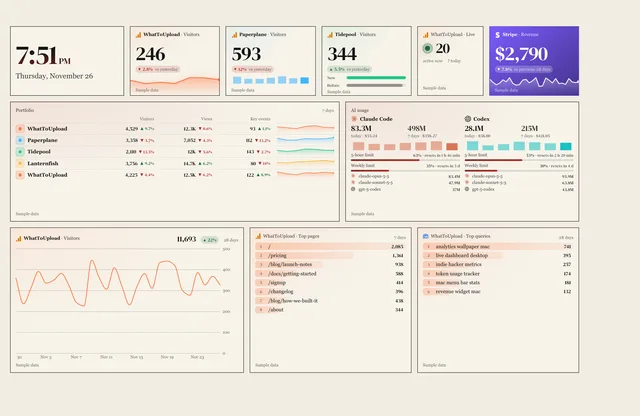
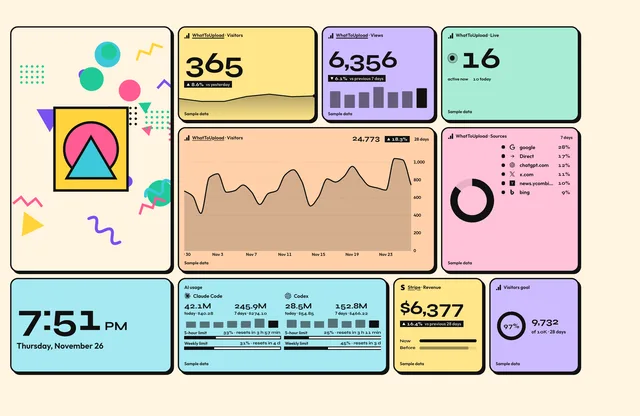
Loud, quiet, pixelated, printed, see-through. Switch themes and the same numbers become a different object on your wall. Every tile here is the app itself, and each theme is shown once.
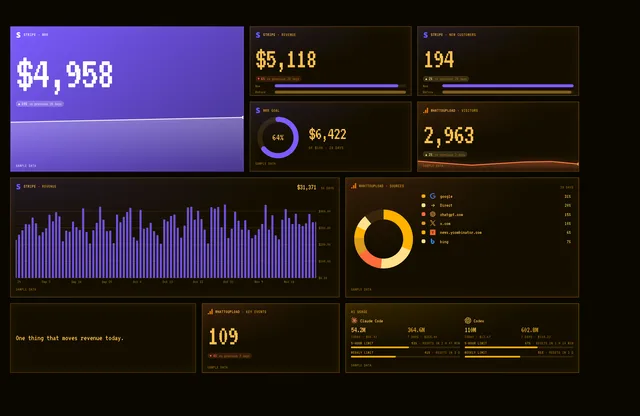
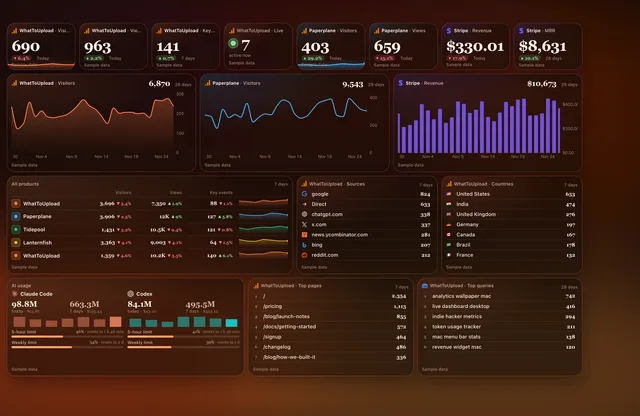
Wallytics wallpaper in the Amber Terminal theme, on the Founder morning template.
Amber Terminal
Wallytics wallpaper in the Pop Shade theme, on the Command centre template.
Pop Shade
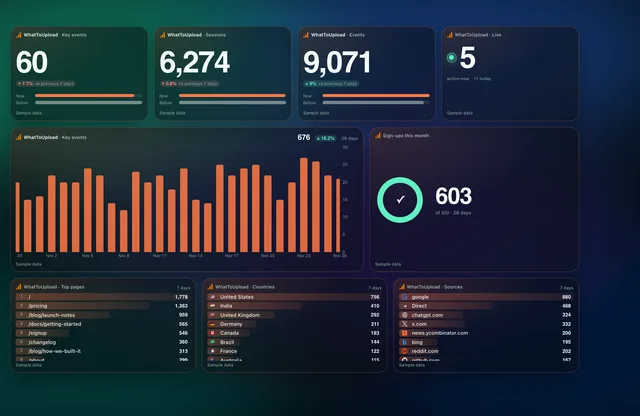
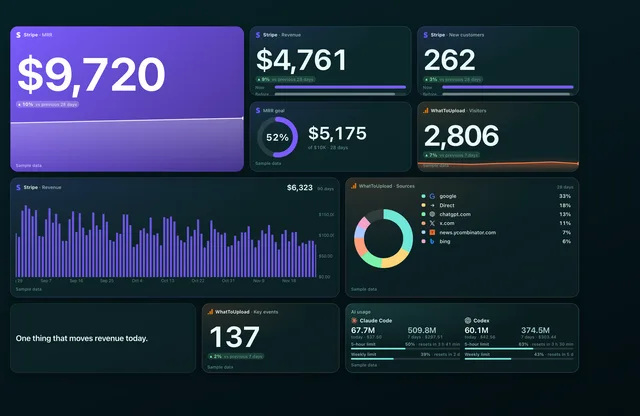
Wallytics wallpaper in the Aurora theme, on the Product pulse template.
Aurora
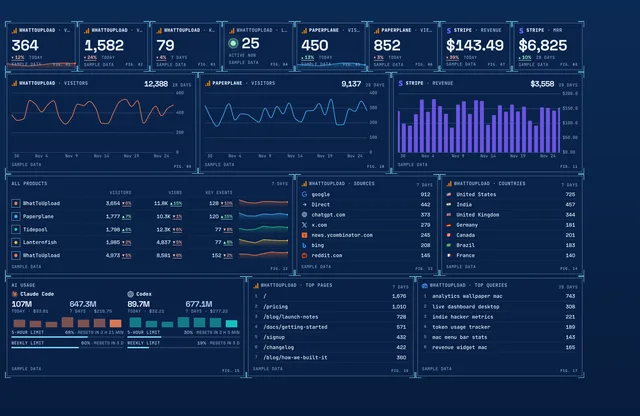
Wallytics wallpaper in the Blueprint theme, on the Command centre template.
Blueprint
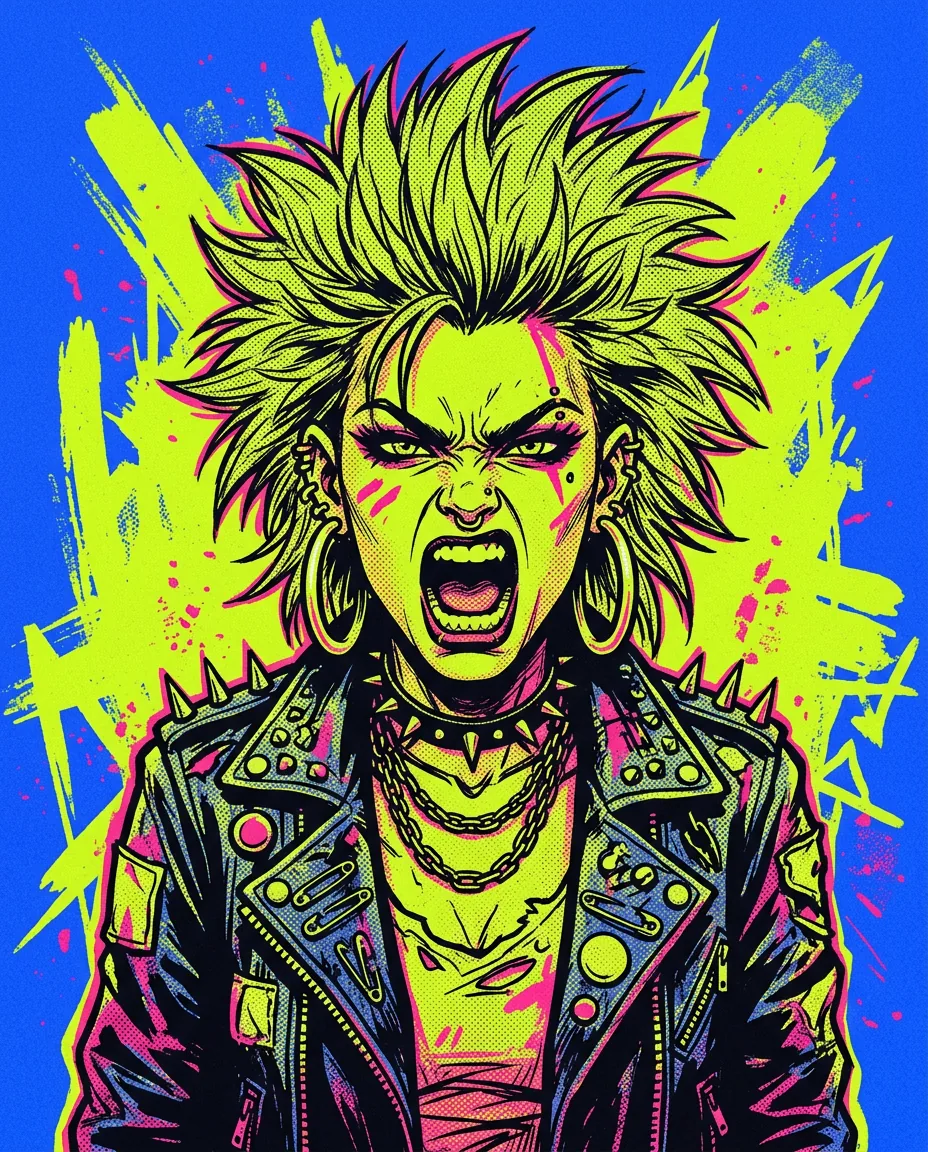
Wallytics wallpaper in the Neon Punk theme, on the Chart wall template.
Neon Punk
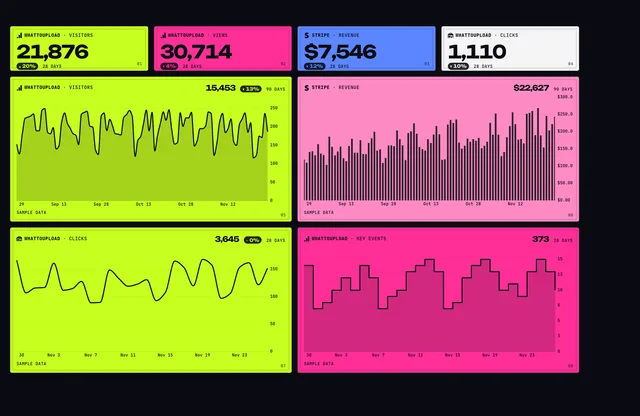
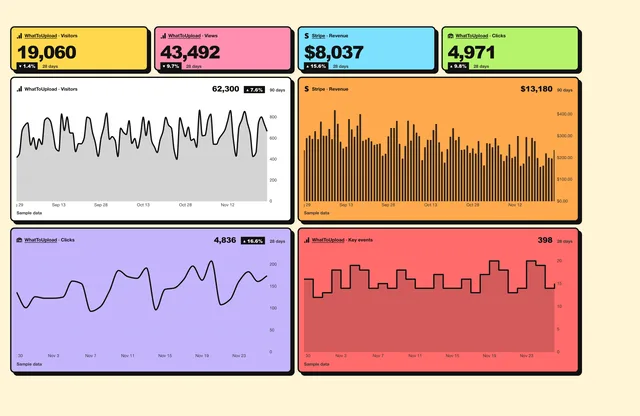
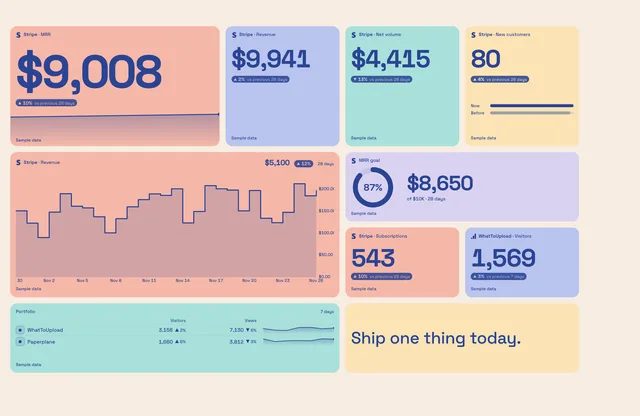
Wallytics wallpaper in the Neo Brutal theme, on the Chart wall template.
Neo Brutal
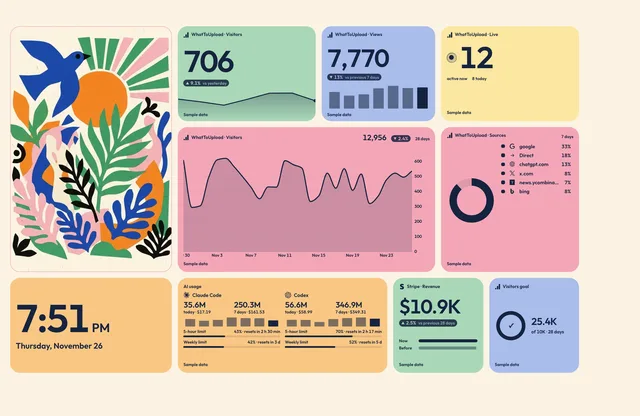
Wallytics wallpaper in the Candy theme, on the Scoreboard template.
Candy
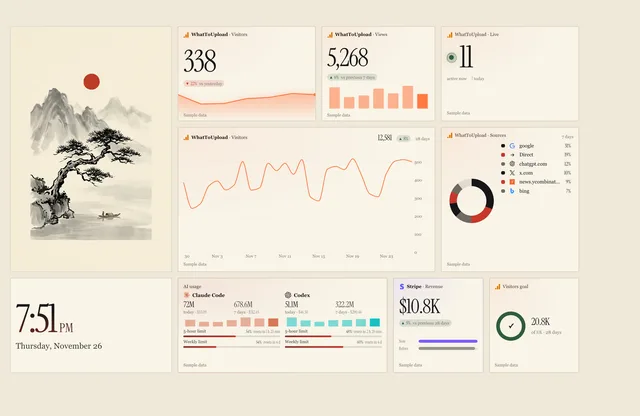
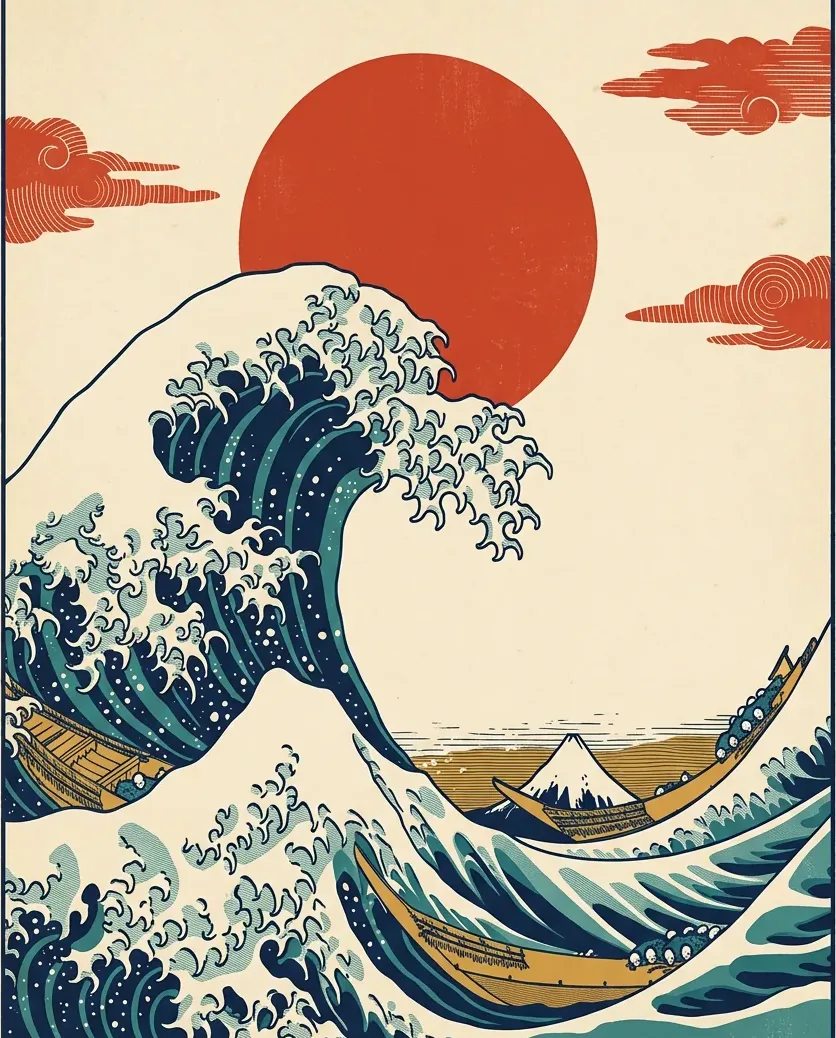
Wallytics wallpaper in the Ukiyo theme, on the Founder morning template.
Ukiyo
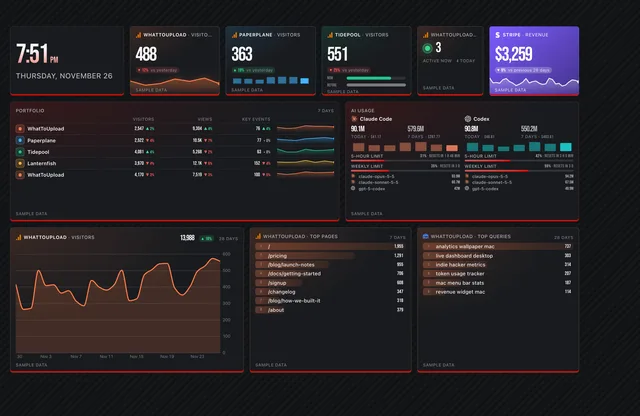
Wallytics wallpaper in the Carbon theme, on the Indie portfolio template.
Carbon
Wallytics wallpaper in the Clear theme, on the Single product template.
Clear
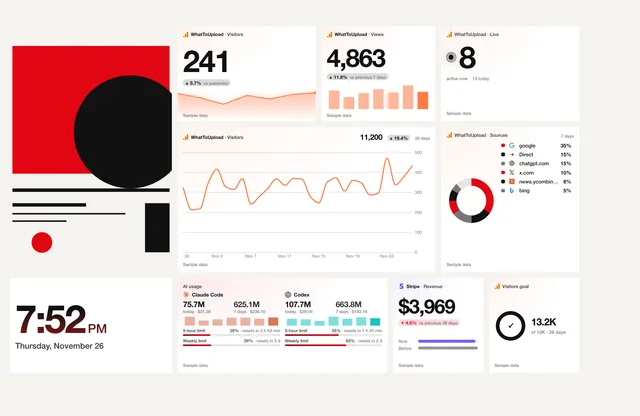
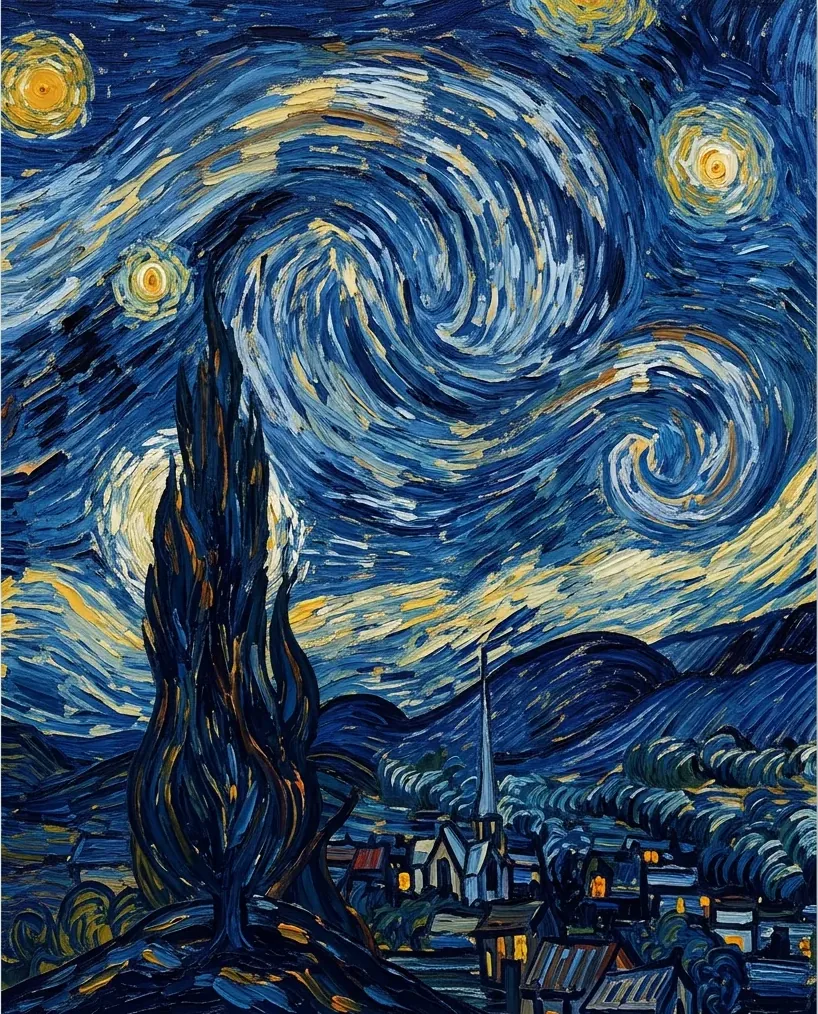
Wallytics wallpaper in the Nocturne theme, on the Poster template.
Nocturne
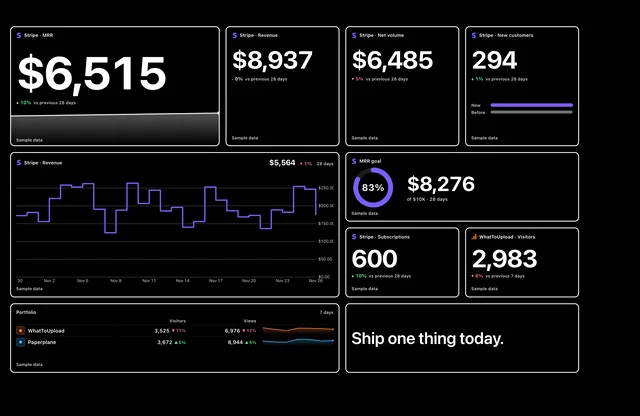
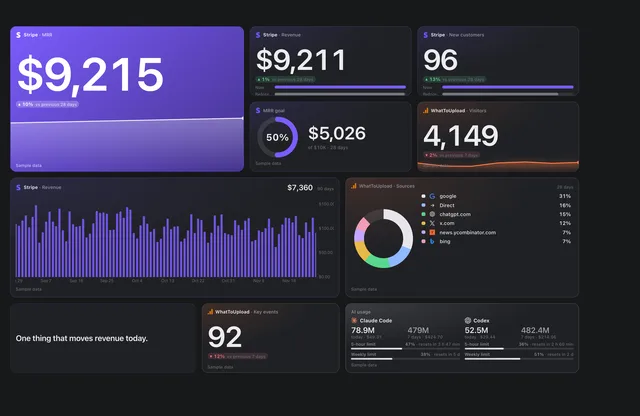
Wallytics wallpaper in the High Contrast Dark theme, on the Revenue first template.
High Contrast Dark
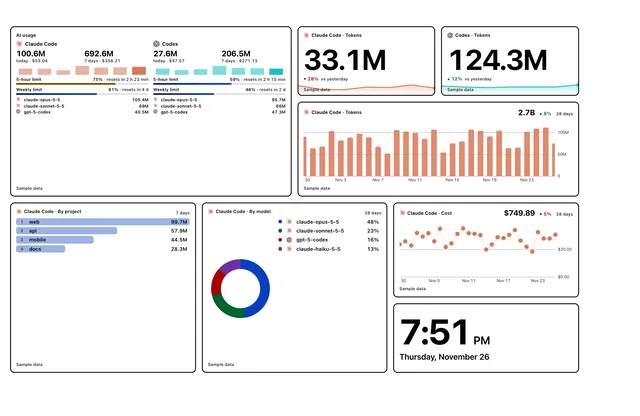
Wallytics wallpaper in the High Contrast Light theme, on the AI usage template.
High Contrast Light
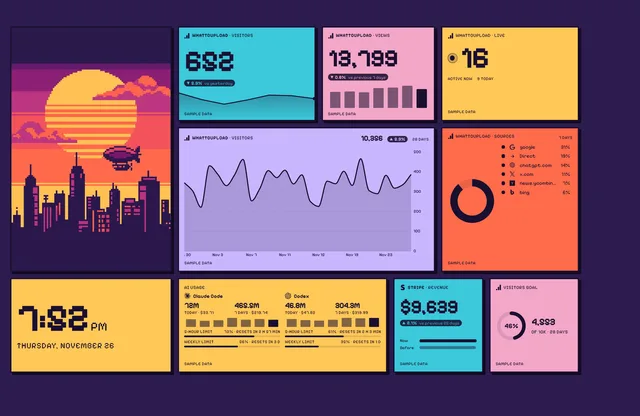
Wallytics wallpaper in the Pixel Sunset theme, on the Poster template.
Pixel Sunset
Wallytics wallpaper in the Daylight theme, on the One number template.
Daylight
Wallytics wallpaper in the Deep Sea theme, on the Founder morning template.
Deep Sea
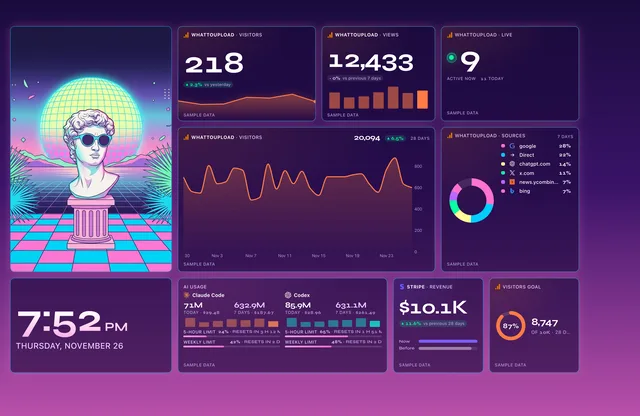
Wallytics wallpaper in the Vaporwave theme, on the Poster template.
Vaporwave
Wallytics wallpaper in the Dunes theme, on the Product pulse template.
Dunes
Wallytics wallpaper in the Ember theme, on the Command centre template.
Ember
Wallytics wallpaper in the Risograph theme, on the Poster template.
Risograph
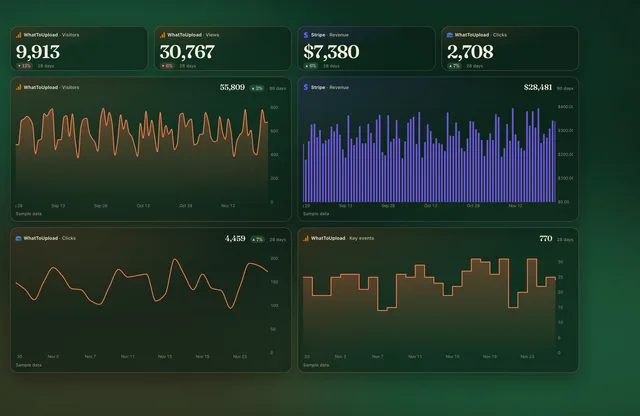
Wallytics wallpaper in the Forest theme, on the Chart wall template.
Forest
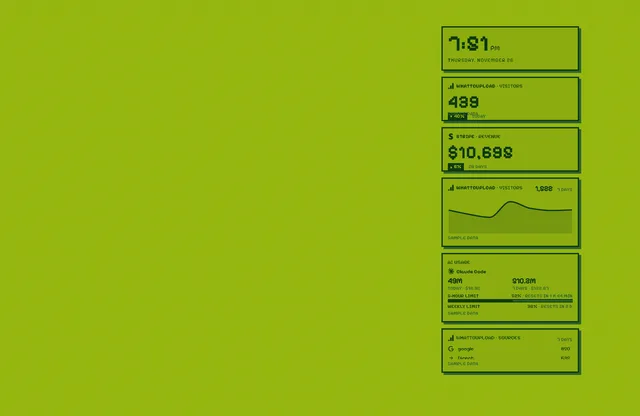
Wallytics wallpaper in the Game Boy theme, on the Side rail template.
Game Boy
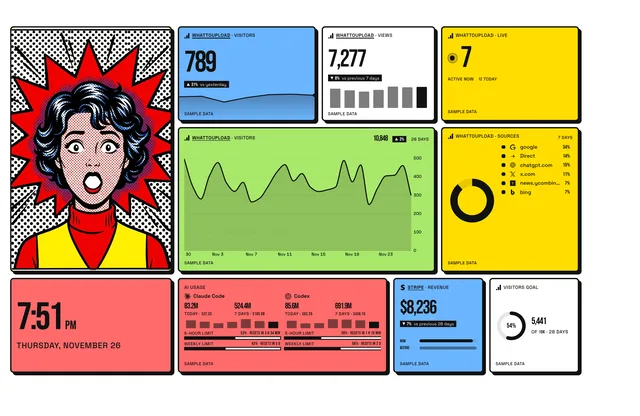
Wallytics wallpaper in the Comic theme, on the Poster template.
Comic
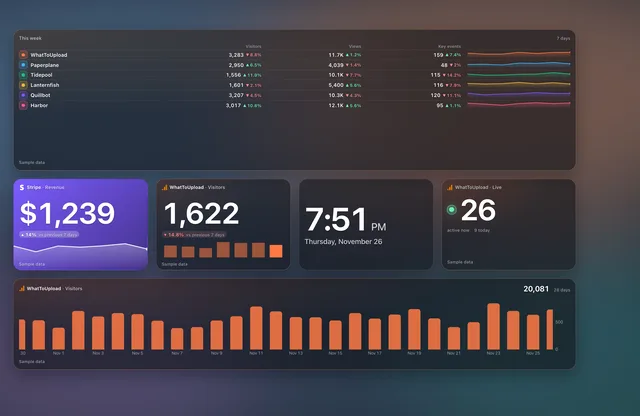
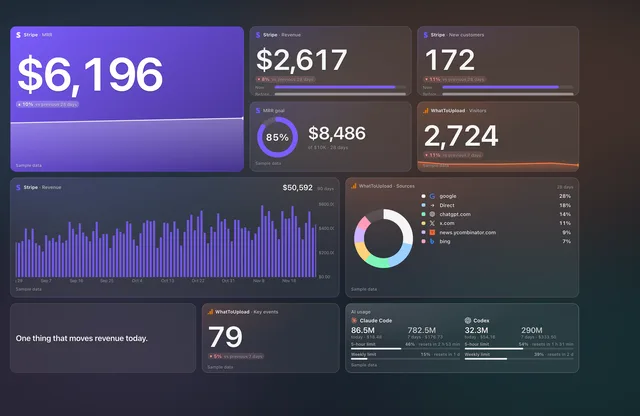
Wallytics wallpaper in the Glass Dark theme, on the Scoreboard template.
Glass Dark
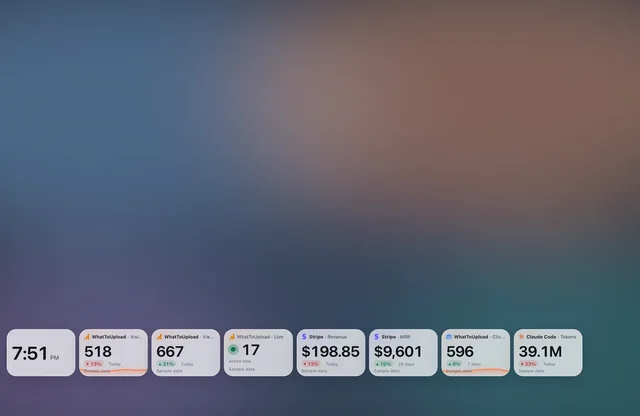
Wallytics wallpaper in the Glass Light theme, on the Ticker template.
Glass Light
Wallytics wallpaper in the Cut Paper theme, on the Poster template.
Cut Paper
Wallytics wallpaper in the Graphite theme, on the Founder morning template.
Graphite
Wallytics wallpaper in the Ink theme, on the Product pulse template.
Ink
Wallytics wallpaper in the Ink Wash theme, on the Poster template.
Ink Wash
Wallytics wallpaper in the Micrographic theme, on the Command centre template.
Micrographic
Wallytics wallpaper in the Midnight theme, on the Chart wall template.
Midnight
Wallytics wallpaper in the Bauhaus theme, on the Poster template.
Bauhaus
Wallytics wallpaper in the Nebula theme, on the Scoreboard template.
Nebula
Wallytics wallpaper in the Newsprint theme, on the Indie portfolio template.
Newsprint
Wallytics wallpaper in the Memphis theme, on the Poster template.
Memphis
Wallytics wallpaper in the Ocean Glass theme, on the Single product template.
Ocean Glass
Wallytics wallpaper in the Paper theme, on the AI usage template.
Paper
Wallytics wallpaper in the Swiss theme, on the Poster template.
Swiss
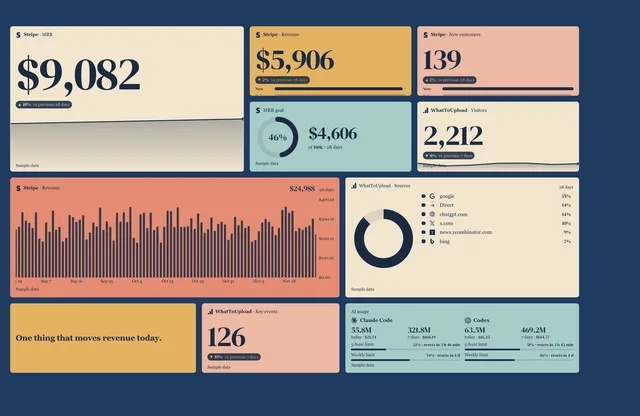
Wallytics wallpaper in the Pastel Bento theme, on the AI usage template.
Pastel Bento
Wallytics wallpaper in the Retro Tech theme, on the One number template.
Retro Tech
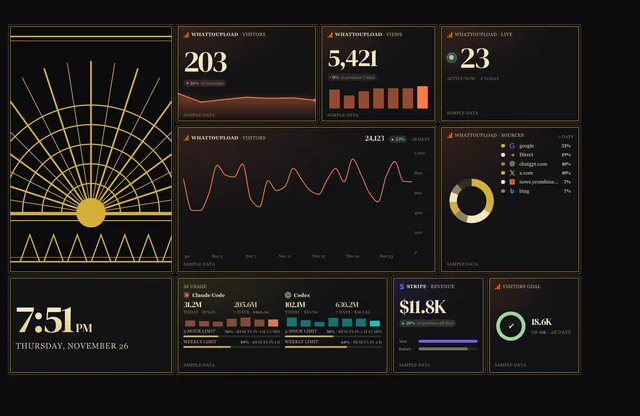
Wallytics wallpaper in the Art Deco theme, on the Poster template.
Art Deco
Wallytics wallpaper in the Smoke theme, on the Founder morning template.
Smoke
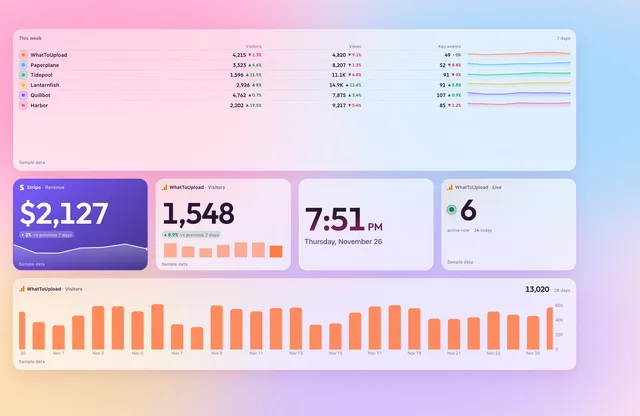
Wallytics wallpaper in the Sunset theme, on the Product pulse template.
Sunset
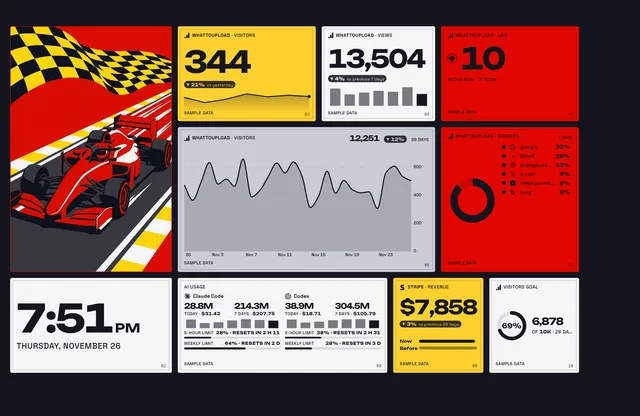
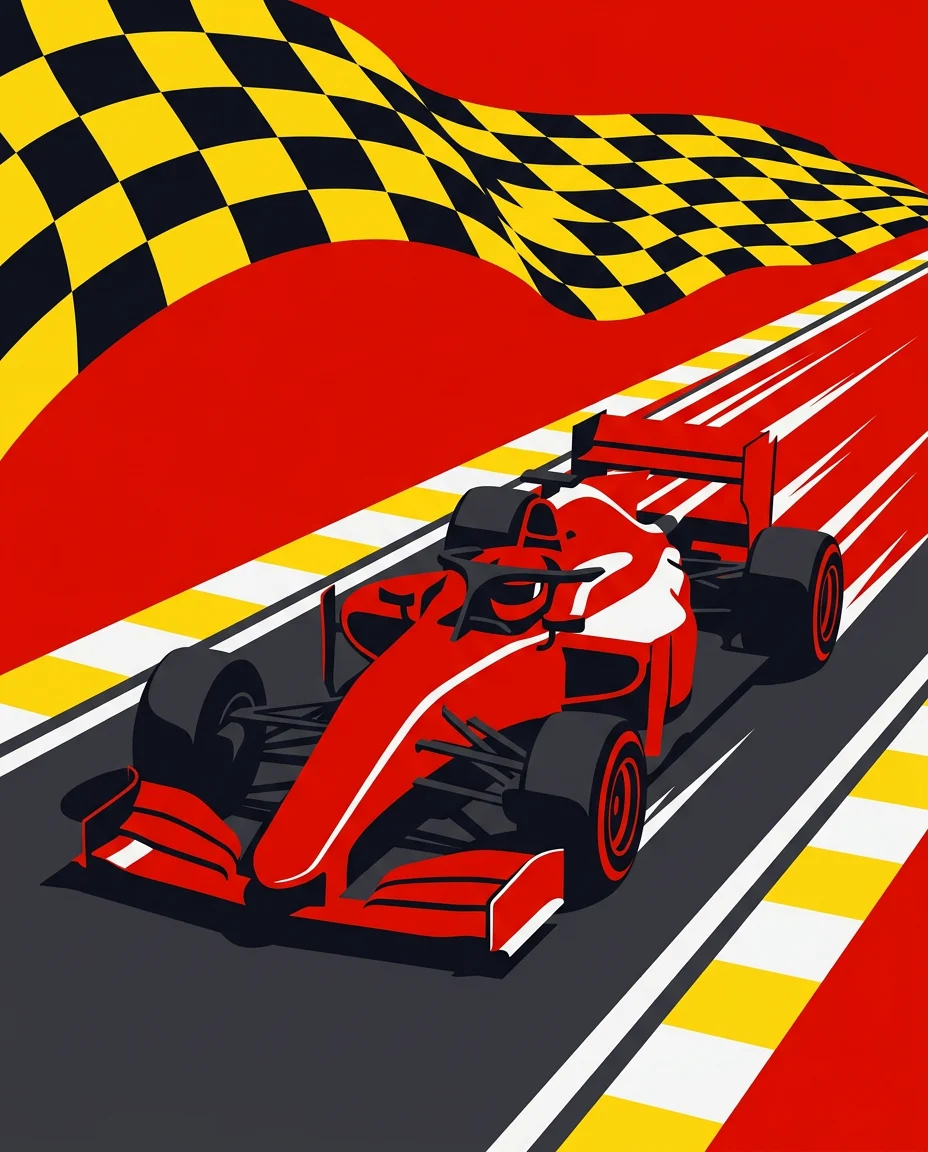
Wallytics wallpaper in the Grand Prix theme, on the Poster template.
Grand Prix
Wallytics wallpaper in the Synthwave theme, on the Command centre template.
Synthwave
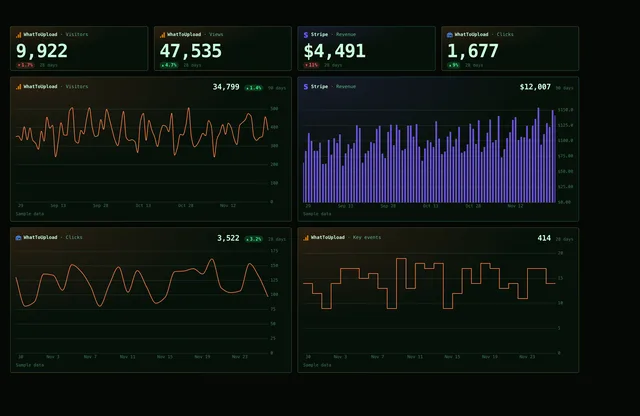
Wallytics wallpaper in the Terminal theme, on the Chart wall template.
Terminal
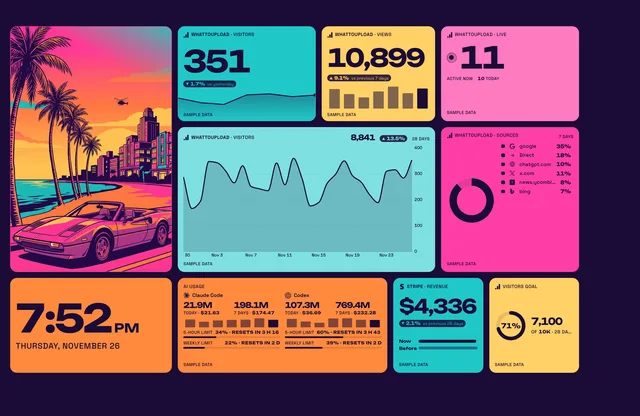
Wallytics wallpaper in the Vice Sunset theme, on the Poster template.
Vice Sunset
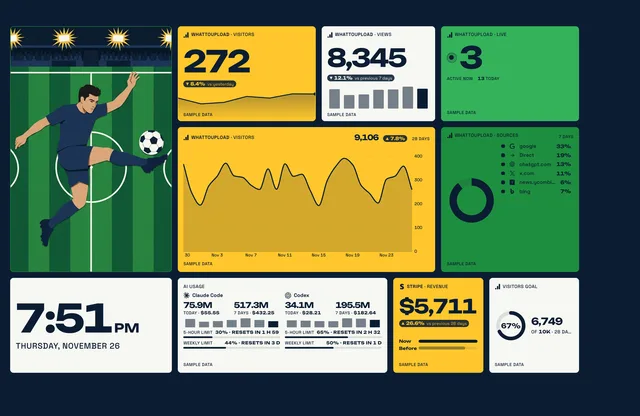
Wallytics wallpaper in the Matchday theme, on the Poster template.
Matchday
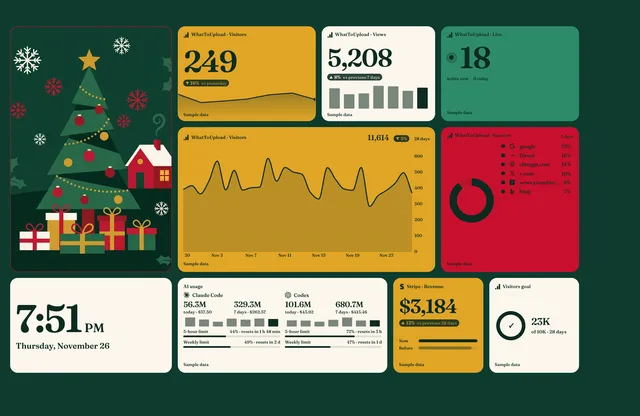
Wallytics wallpaper in the Christmas theme, on the Poster template.
Christmas

All 49 themes, across the 14 templates. See every theme

Art themes

18 themes that start from a picture

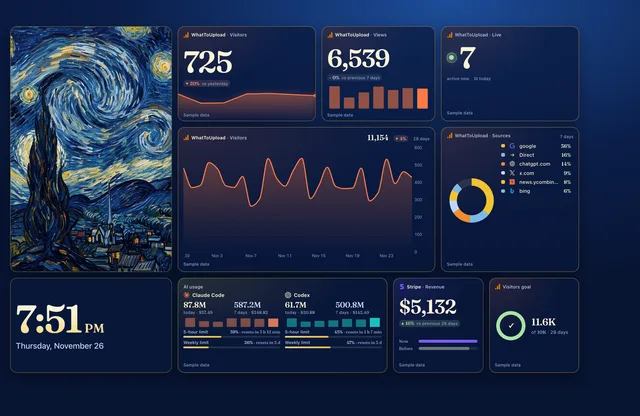
These are the pictures. Each art theme is built around one piece of original artwork, with its palette pulled from it. The Poster template hangs the picture next to your numbers.

The artwork of the Pop Shade theme.
Pop Shade
The artwork of the Neon Punk theme.
Neon Punk
The artwork of the Ukiyo theme.
Ukiyo
The artwork of the Nocturne theme.
Nocturne
The artwork of the Pixel Sunset theme.
Pixel Sunset
The artwork of the Vaporwave theme.
Vaporwave
The artwork of the Risograph theme.
Risograph
The artwork of the Comic theme.
Comic
The artwork of the Cut Paper theme.
Cut Paper
The artwork of the Ink Wash theme.
Ink Wash
The artwork of the Bauhaus theme.
Bauhaus
The artwork of the Memphis theme.
Memphis
The artwork of the Swiss theme.
Swiss
The artwork of the Art Deco theme.
Art Deco
The artwork of the Grand Prix theme.
Grand Prix
The artwork of the Vice Sunset theme.
Vice Sunset
The artwork of the Matchday theme.
Matchday
The artwork of the Christmas theme.
Christmas
Everything in the app

A small app with a lot in it

Every plan gets all of it. There is no pro tier hiding the good parts.

Live theme previews

Try a look on your own numbers before you pick it

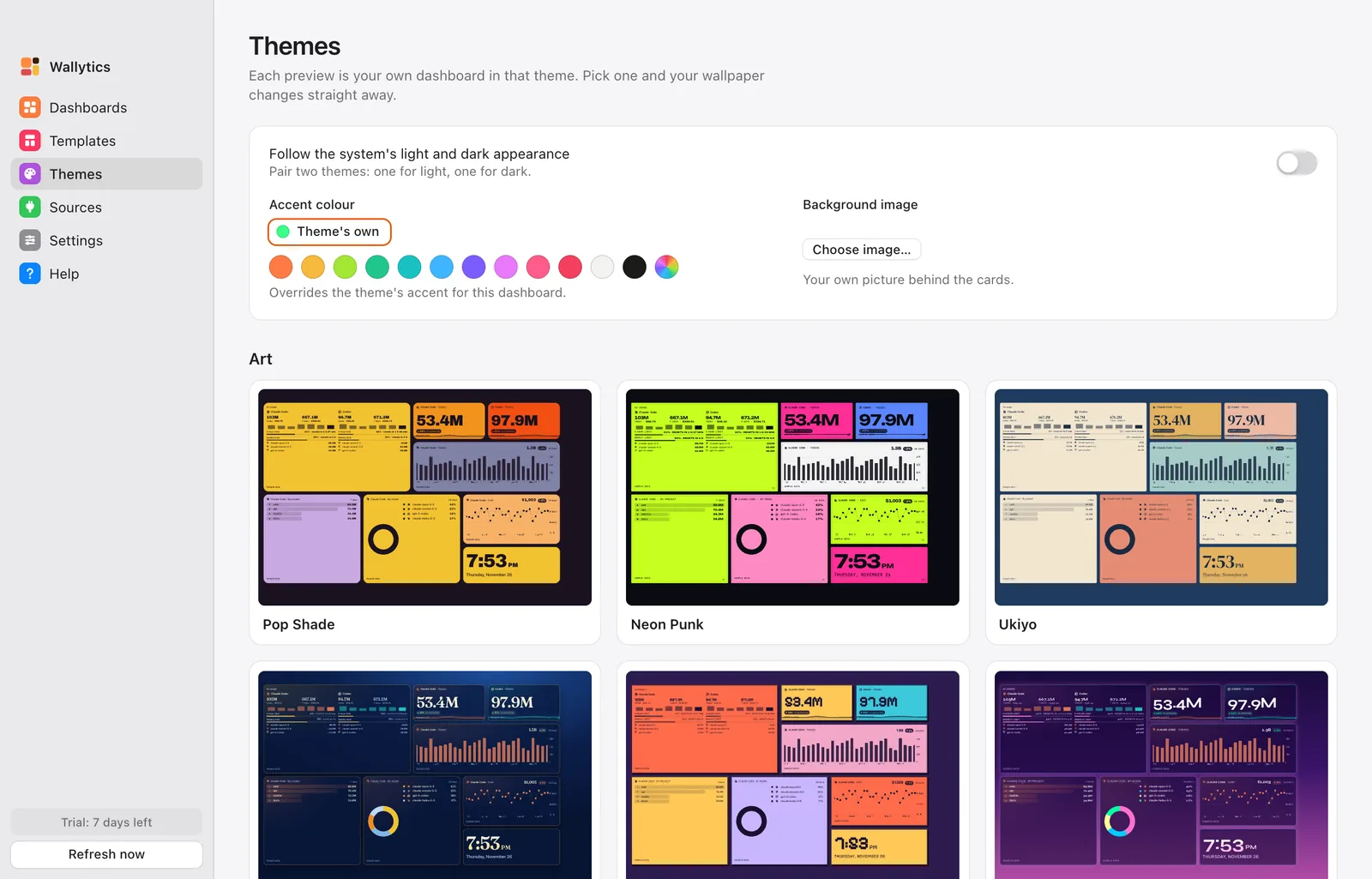
Themes live in the side panel, and every preview is your own dashboard drawn live in that theme. Pick one and the wallpaper changes straight away.

The Themes page of the Wallytics window: live previews of an AI usage dashboard in Pop Shade, Neon Punk, Ukiyo, Nocturne, Pixel Sunset, Vaporwave and more.
Fonts

17 fonts per dashboard

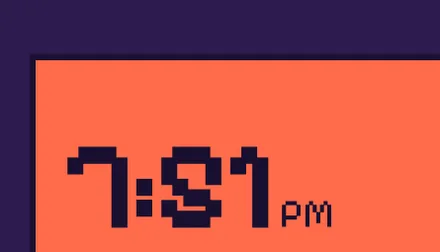
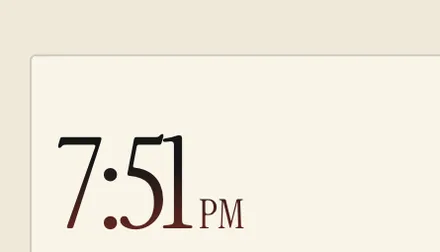
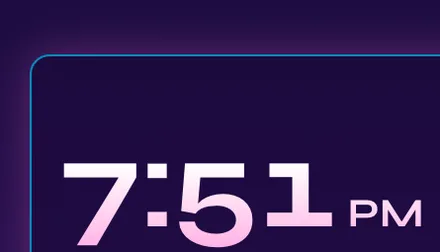
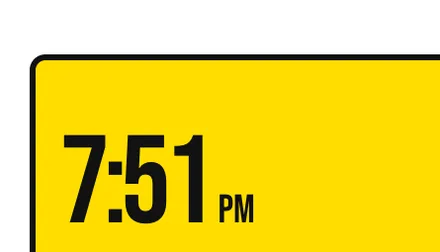
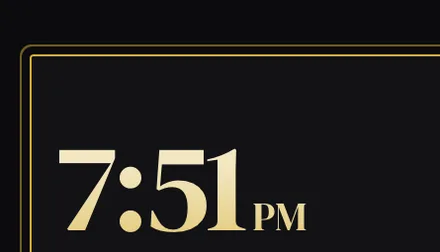
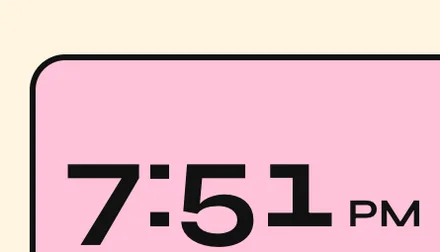
Clean sans, pixel, mono, serif, display. The same clock tile, eight ways:

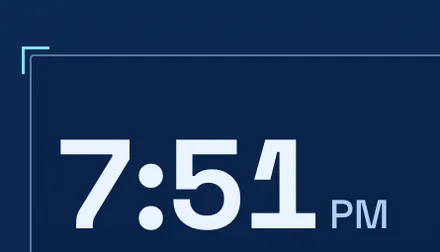
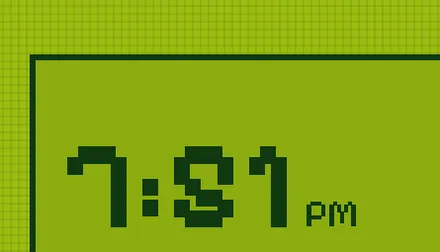
The clock tile in the Pixel Sunset theme's font.The clock tile in the Ink Wash theme's font.The clock tile in the Vaporwave theme's font.The clock tile in the Comic theme's font.The clock tile in the Art Deco theme's font.The clock tile in the Memphis theme's font.The clock tile in the Blueprint theme's font.The clock tile in the Game Boy theme's font.
Chart styles

Show a number the way it reads best

Trends draw five ways. Stat tiles come with a sparkline, bars, a compare against last period, or as a filled colour tile. Top lists are bars, a donut or plain.

Area
Line
Bars
Steps
Dots
SparklineBarsCompareFilled tileDonutGoal ringOwn colour per widget
Layout editor

Arrange it like you arrange your desk

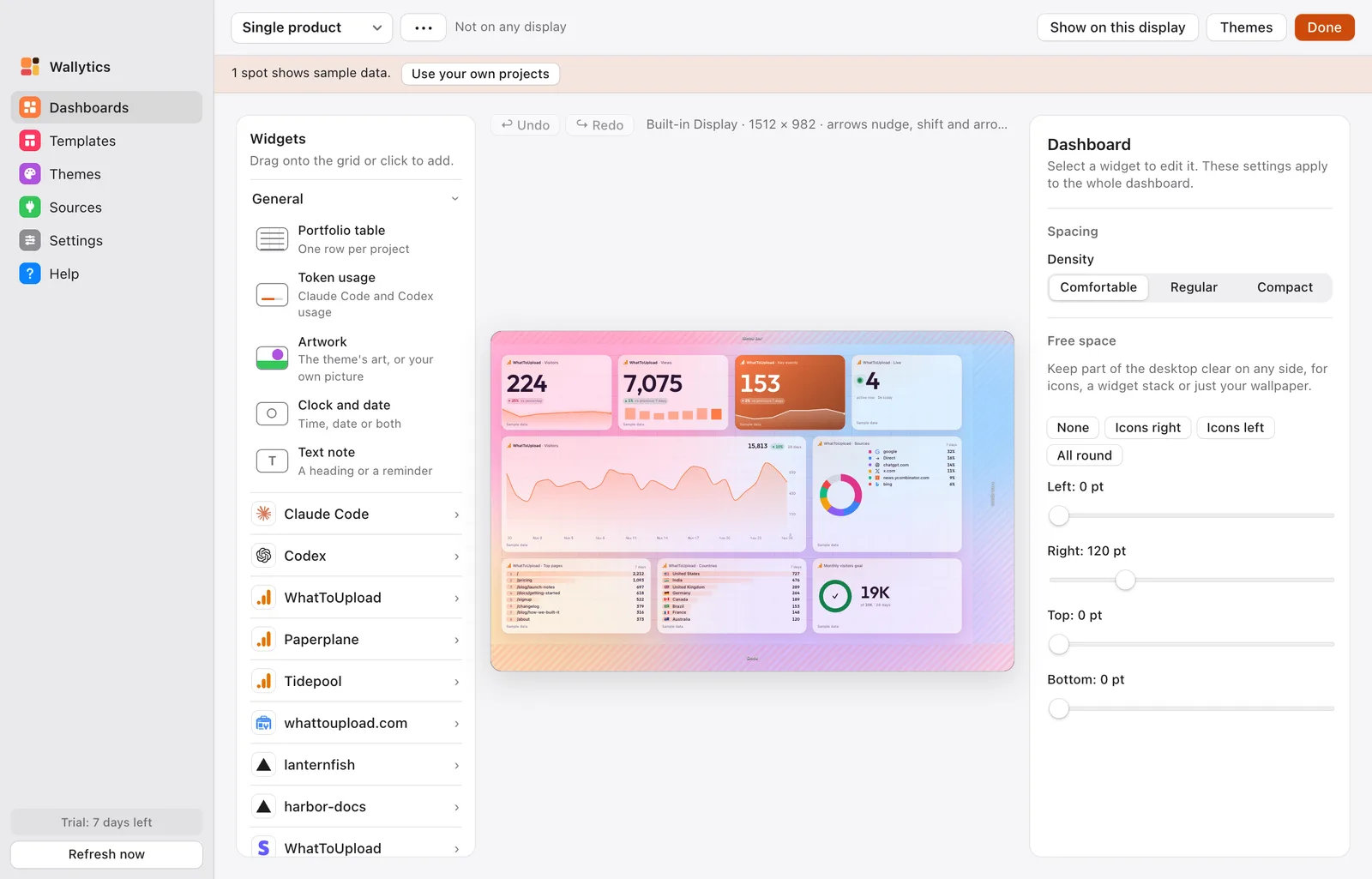
Drag widgets onto a grid and resize them on a preview of your actual display. The editor marks the menu bar and the Dock, and you can keep free space on any side of the screen: left, right, top or bottom.

The Wallytics layout editor with a Single product dashboard in the Candy theme: a widget library on the left, the dashboard grid in the middle, and layout settings on the right.
Logos, flags and favicons

See where traffic comes from, with the logos you recognise

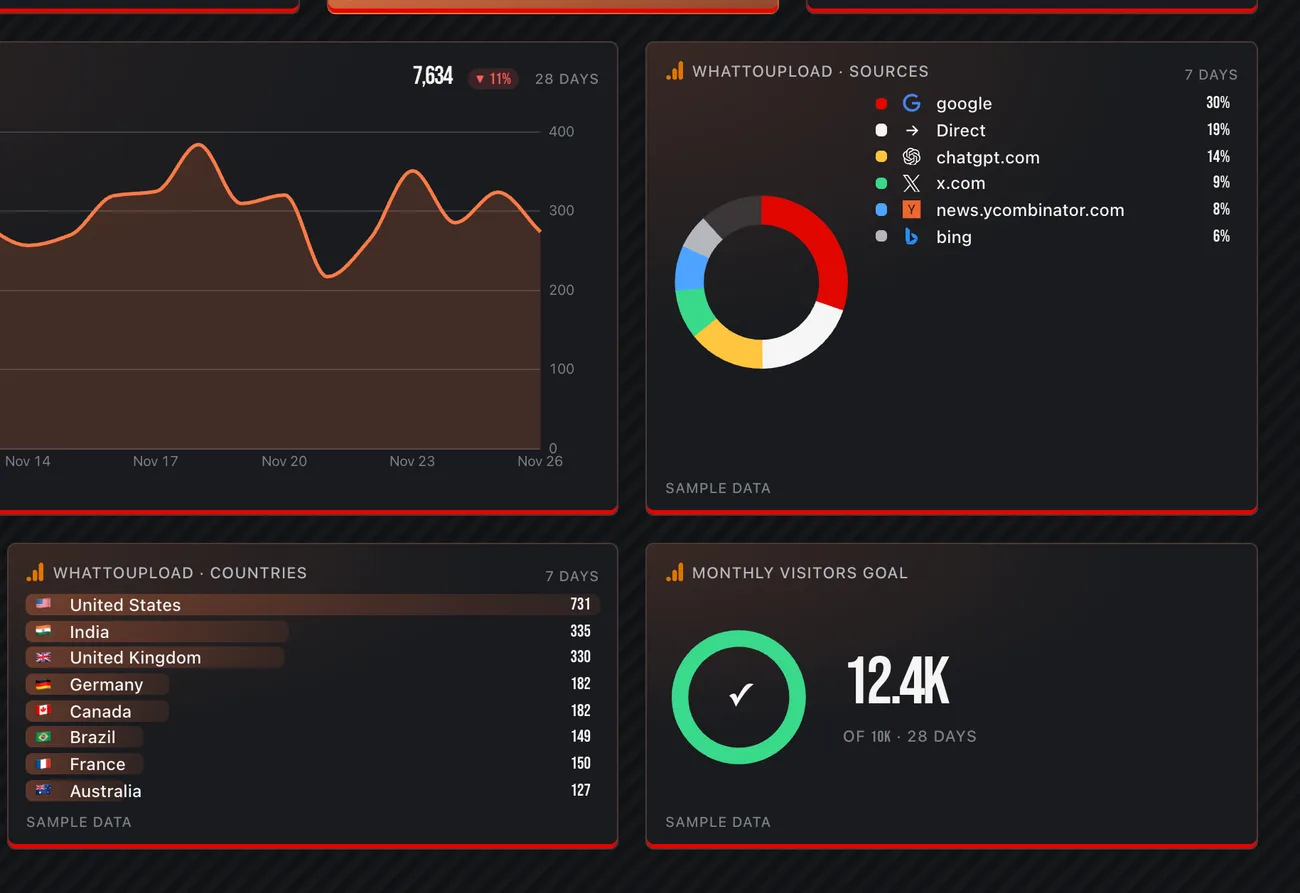
Traffic sources show their real marks: Google, ChatGPT, LinkedIn, X and about 40 more. Countries get flags, and each product shows its own website favicon next to its name.

Part of a Single product dashboard in the Carbon theme: a sources donut with Google, ChatGPT, X, Hacker News and Bing logos, a countries list with flags, and a goal ring.
AI token usage

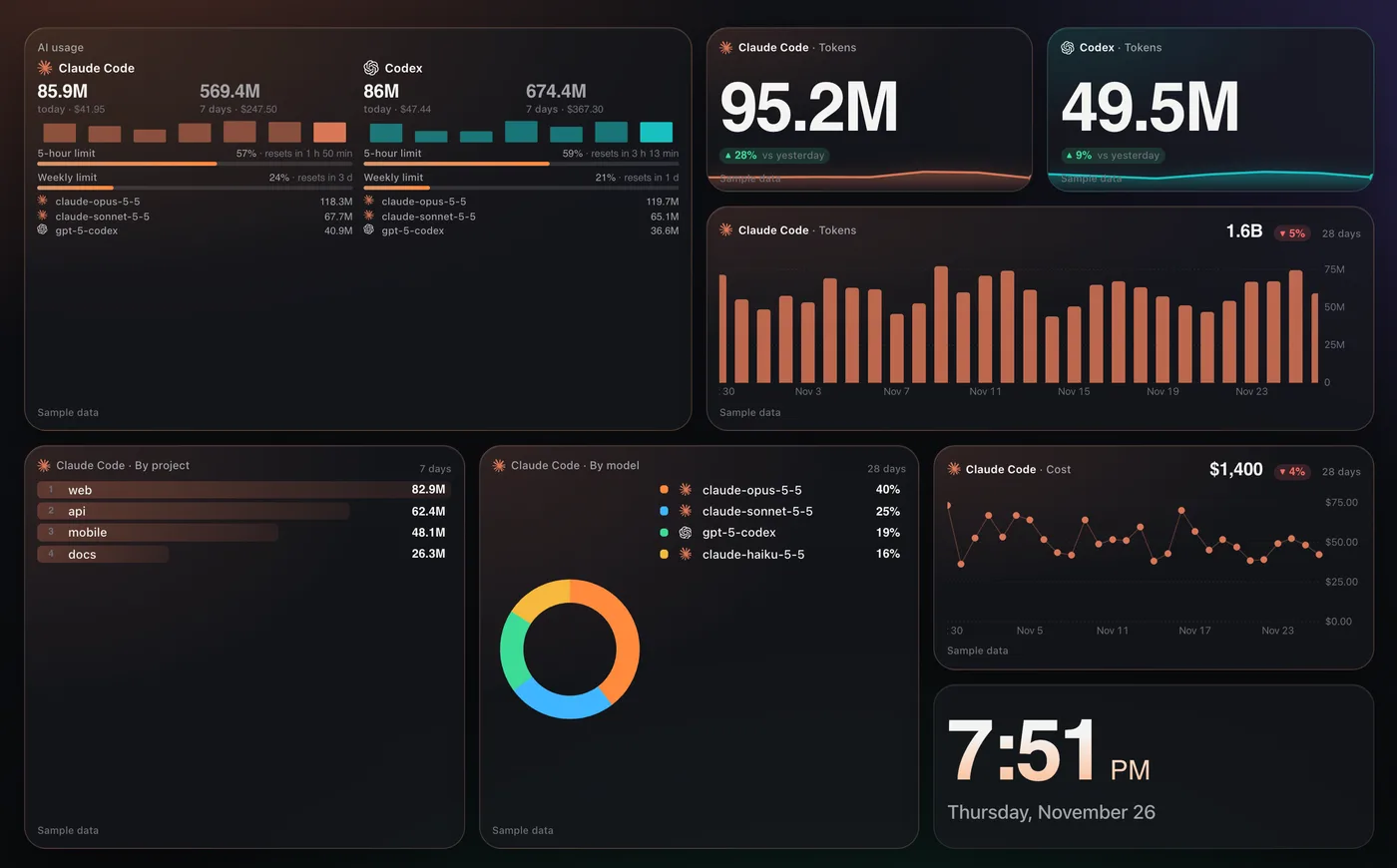
See what your agents are burning

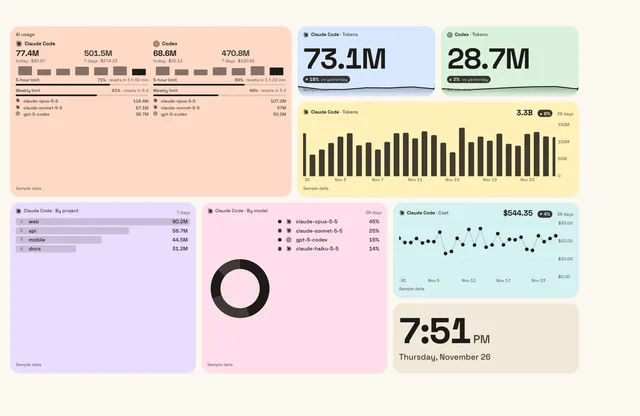
Tokens, estimated cost and limit windows for Claude Code and Codex, by project and by model. Read from the session logs already on your Mac: no login, no API key, nothing uploaded.

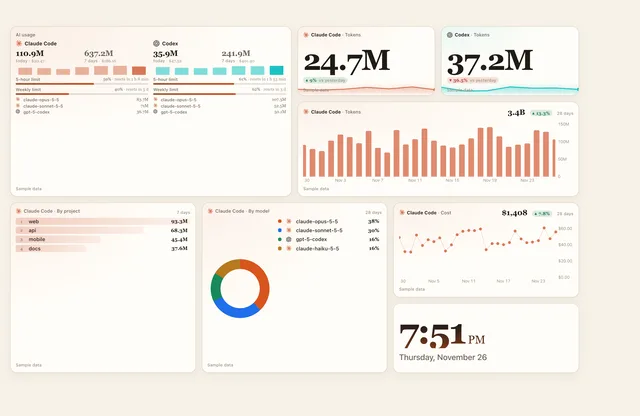
The AI usage template in the Midnight theme: token counts for Claude Code and Codex with limit bars, tokens per day, usage by project, a donut by model, and estimated cost.
AI token usage on the desktop
Privacy filter

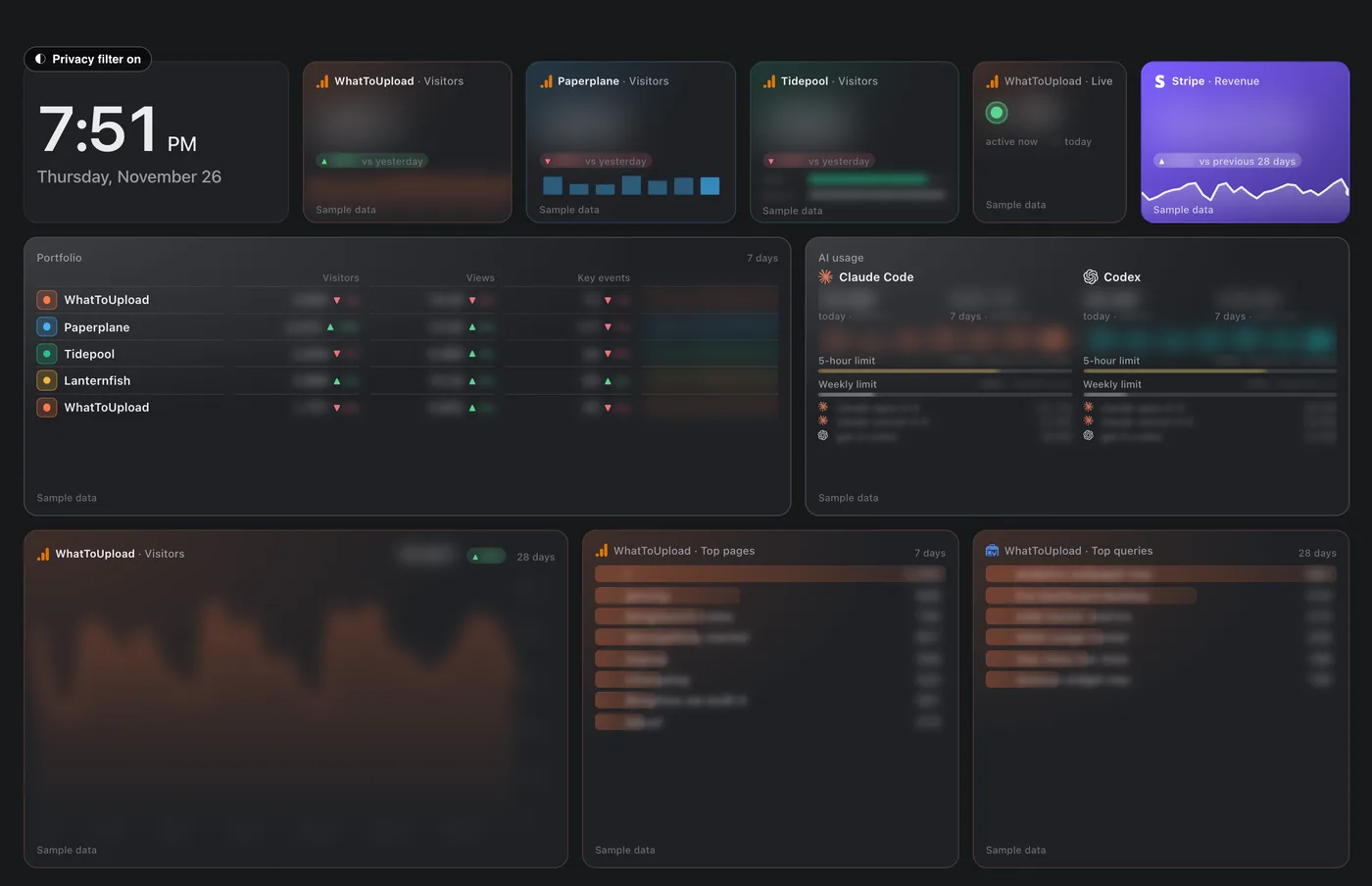
Share your screen, not your revenue

One hotkey, ⌃⌥⌘P, blurs the sensitive widgets, blurs every number, or hides the dashboard. It turns on by itself when a display is mirrored or connected, or when screen sharing is detected.

An Indie portfolio dashboard in the Graphite theme with the privacy filter on: every number and chart is blurred while labels stay readable.
How the privacy filter works
Sources

49 sources, read from your Mac

Sign in with Google, paste a key, or for a few of them do nothing at all. Wallytics only ever reads.

  • 6AI usage and spend
  • 12Web and product analytics
  • 2Search
  • 7Revenue
  • 2App stores
  • 6Social and video
  • 4Email and audience
  • 3Code and launches
  • 4Errors and uptime
  • 3Ads
See all 49 sources
Menu bar

One number, always in view

Pick a project, a metric and a range. That number sits next to the menu bar icon, for when the desktop is covered. It keeps updating even while the wallpaper is paused.

The menu bar number
Displays

A dashboard for every display

Revenue on the big screen, a clock and four numbers on the laptop. Each display gets its own dashboard and theme.

A Revenue first dashboard in the Risograph theme, as on a large display.
A Minimal dashboard in the Ocean Glass theme, as on a laptop display.
Light on battery

Quiet enough to forget

0.6%CPU, about
280 MBmemory, about

Measured on the developer's Mac, with the wallpaper live on two displays (a 14 inch MacBook Pro plus an external display) and the app window closed. A measurement, not a guarantee. Refresh every 1 to 60 minutes or manually; half as often on battery; paused in Low Power Mode.

Updates

New versions find you

The app checks for updates every hour. When one is out you get a notification, a card in the side panel and a line in the menu bar until it is installed.

Read the changelog
And the rest

Small things that add up

  • 14 templates, and any dashboard can be saved as your own
  • Light and dark theme pairs that follow the system
  • Your own background image and accent colour
  • ⌃⌥⌘D reveals the desktop
  • Import and export dashboards as JSON
  • A project picker with icons and search
How the live wallpaper works
Sources

49 sources, one wall

Grouped as the app groups them. Every one is read from your Mac, and each has a page that says what it shows and what it cannot.

Some of these come with strings their providers attach: X, Instagram, TikTok and LinkedIn need your own developer app, Cursor is for teams only, Substack has no API so only public post data is read, and Google Play has no revenue API. A Custom JSON endpoint source is coming. All sources, with what each shows

Local-first

Your numbers never leave your Mac

There is no Wallytics account and no Wallytics server holding your data. The app is the whole product.

Credentials stay in the Keychain

Tokens and keys are stored in the macOS Keychain on your Mac. They are sent to the provider they belong to and nowhere else.

It only ever reads

Where a provider has a read-only key or scope, Wallytics asks for that one, and refuses a Stripe secret key or a Cloudflare Global API key outright. Where a provider has none, the source's page says so.

No account, no telemetry

You never sign up. The app has no analytics, no telemetry and no crash reporting. Your numbers never pass through us.

Delete it and it is gone

Settings has one button that removes every saved credential, the cache and all dashboards from your Mac.

Everything the app contacts

  1. Your providersThe sources you connect, asked directly from your Mac.
  2. Your own sitesOnce each, to fetch the favicon shown next to a product.
  3. The update feedHourly, to see whether a new version is out.
  4. The licence checkTo validate your key. No metrics are part of it.

That is the full list. The details are in the privacy policy.

Black Friday offerLimited-time offer

Pay once. Keep it. 50% off for Black Friday.
Not a subscription. Every plan is the full app; the only difference is how many Macs it covers. The offer is taken off at checkout.

Single1 Mac
List price $9.99Offer price $4.99once

50% off: you save $5

One Mac, every feature.

  • Every source, widget and theme
  • Unlimited dashboards and displays
  • Automatic updates
  • Licence key by email
Buy Single
Duo2 Macs
List price $15.99Offer price $7.99once

50% off: you save $8

For a desk Mac and a laptop.

  • Every source, widget and theme
  • Unlimited dashboards and displays
  • Automatic updates
  • Licence key by email
Buy Duo
Team5 Macs
List price $39.99Offer price $19.99once

50% off: you save $20

One key for a small team.

  • Every source, widget and theme
  • Unlimited dashboards and displays
  • Automatic updates
  • Licence key by email
Buy Team

Try it first: the 7 day trial is the full app, with no card. Bought it and changed your mind? Ask within 14 days for a refund.

Questions

Before you download

Is this a subscription?

No. You pay once and the licence is yours. With the Black Friday offer, applied at checkout, Single is $4.99 for one Mac (list $9.99), Duo is $7.99 for two (list $15.99) and Team is $19.99 for five (list $39.99).

What happens when the 7 day trial ends?

The trial is the full app with no card and no account. When it ends, the wallpaper pauses until you enter a licence key. Your dashboards and connected sources are kept.

Do my numbers or API keys go through your servers?

No. There is no Wallytics backend for your data and no account. Credentials are stored in your Mac's Keychain, and your Mac asks each provider directly. The app contacts four kinds of address: the providers you connect, your own sites for their icon, the update feed and the licence check.

Can Wallytics change anything in my accounts?

Wallytics only ever reads. Where a provider offers a read-only credential, the app asks for that: read-only Google scopes, a Stripe restricted key (a standard secret key is refused), a read-only UptimeRobot key. Some providers have no read-only key at all, for example Lemon Squeezy, Gumroad, Beehiiv, Kit, Resend and Better Stack. Each source's page says which kind it is.

Will everyone see my revenue when I share my screen?

Press ⌃⌥⌘P and the privacy filter blurs sensitive widgets, blurs every number, or hides the dashboard, whichever you chose. It can also turn itself on when a display is mirrored or connected, or when screen sharing is detected.

Will it drain my battery?

It is built not to. You choose a refresh interval from 1 to 60 minutes, or manual. On battery it refreshes half as often, and in Low Power Mode it pauses. Measured on the developer's Mac, a 14 inch MacBook Pro with an external display, the wallpaper live on both and the app window closed: about 0.6% CPU and about 280 MB of memory. That is one measurement, not a guarantee.

Do all 49 sources work the same way?

No, and the site says where they differ. X, TikTok, LinkedIn and Instagram need your own developer app. Cursor is for teams only. Substack has no API, so only public post data is read. Google Play has no revenue API. Each source has a page with what it shows and what it cannot.

Can I keep my own wallpaper?

Yes. Five of the 49 themes are transparent (Clear, Glass Dark, Glass Light, Smoke and Ocean Glass) and draw the widgets over the wallpaper you already have. Any theme can also take your own background image.

What counts as a seat?

One Mac. Moving to a new Mac? Deactivate the key in Settings on the old one and the seat is free again. If the old Mac is gone, email us and we will free it.

Is it on the Mac App Store?

No. Wallytics is sold only on this website, through Dodo Payments. Your licence key arrives by email.

Can I get a refund?

Yes. Ask within 14 days of buying and we refund it. Write to hello@wallytics.app.

Put your numbers where you will see them

Free for 7 days, the full app, no card. Then from $4.99, once.
macOS 13 or later. Apple silicon and Intel.
Black Friday offerLimited-time offer

50% off every plan

Pay once and keep it. Not a subscription. The offer is taken off at checkout.

Try it first: free for 7 days, no card.